Security screening and passport control

Preparing for security screening

Good preparation is key to ensuring that the process at the security checkpoint goes more quickly and smoothly.

  • Follow your airline's carry-on baggage regulations
  • Keep your travel documents handy
  • Set aside your liquid bags, jacket, and electronic devices separately
  • Leave prohibited items at home
  • Accessible security screening is available in Terminal 2

Your journey through the checkpoint
  • Security screening and passport control
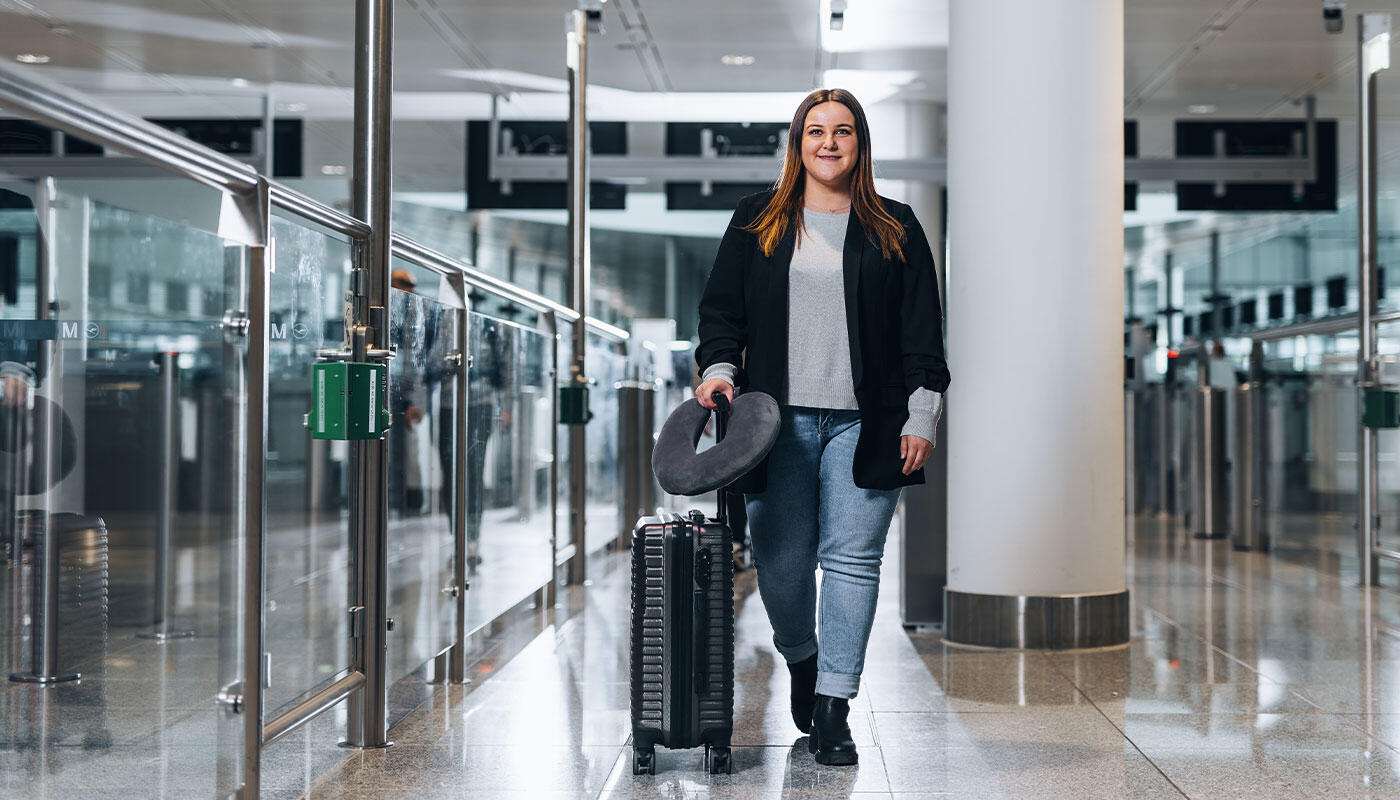
    Use all security checkpoints: Follow the signs and the staff's instructions to avoid waiting times and get through security more quickly.
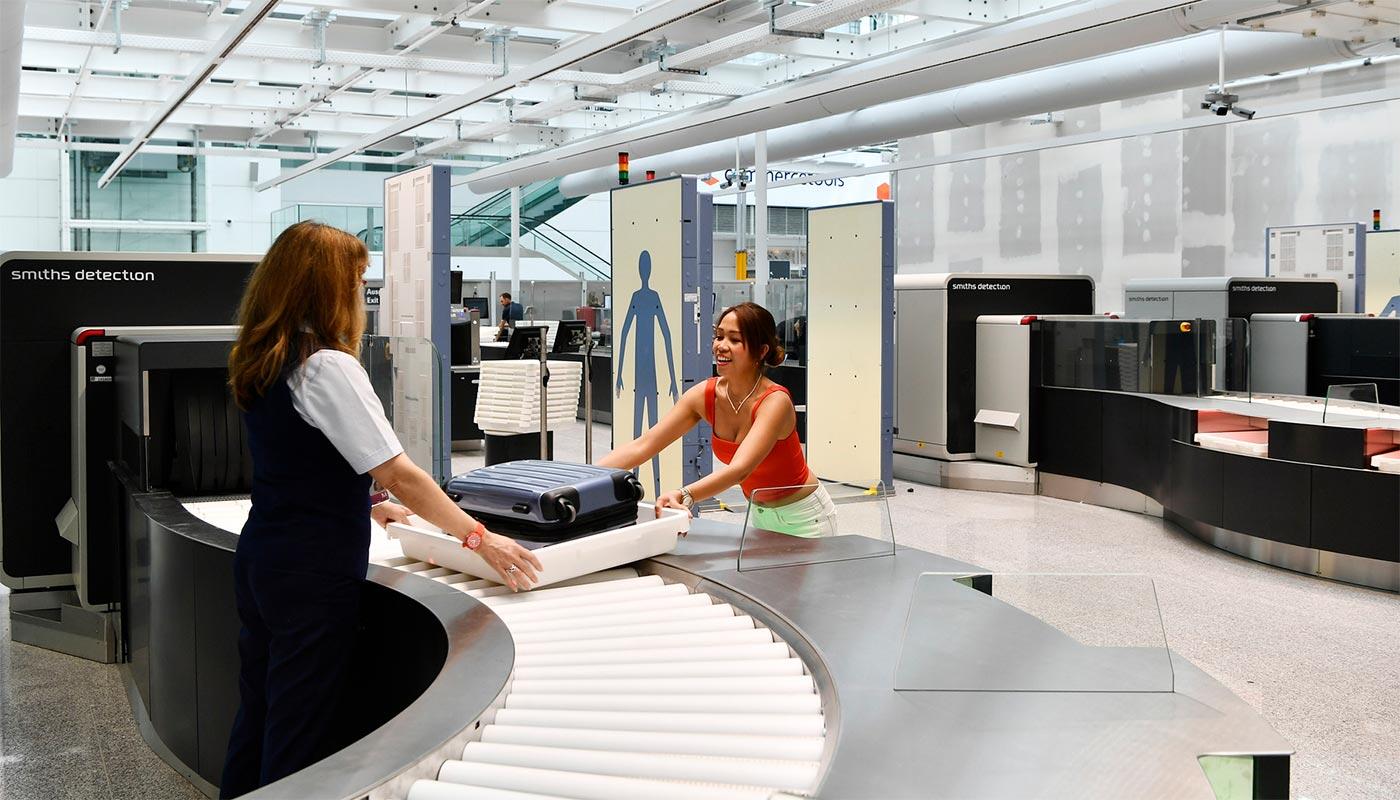
  • Bright and modern airport security checkpoint in Terminal 2: travelers move calmly through a spacious, accessible screening area with clear signage and supportive staff. The environment feels organized and reassuring, designed especially for families, people with reduced mobility, and passengers with hidden disabilities.
    Accessible security checkpoint in Terminal 2 - with more space, state-of-the-art technology, and assistance for all travelers.
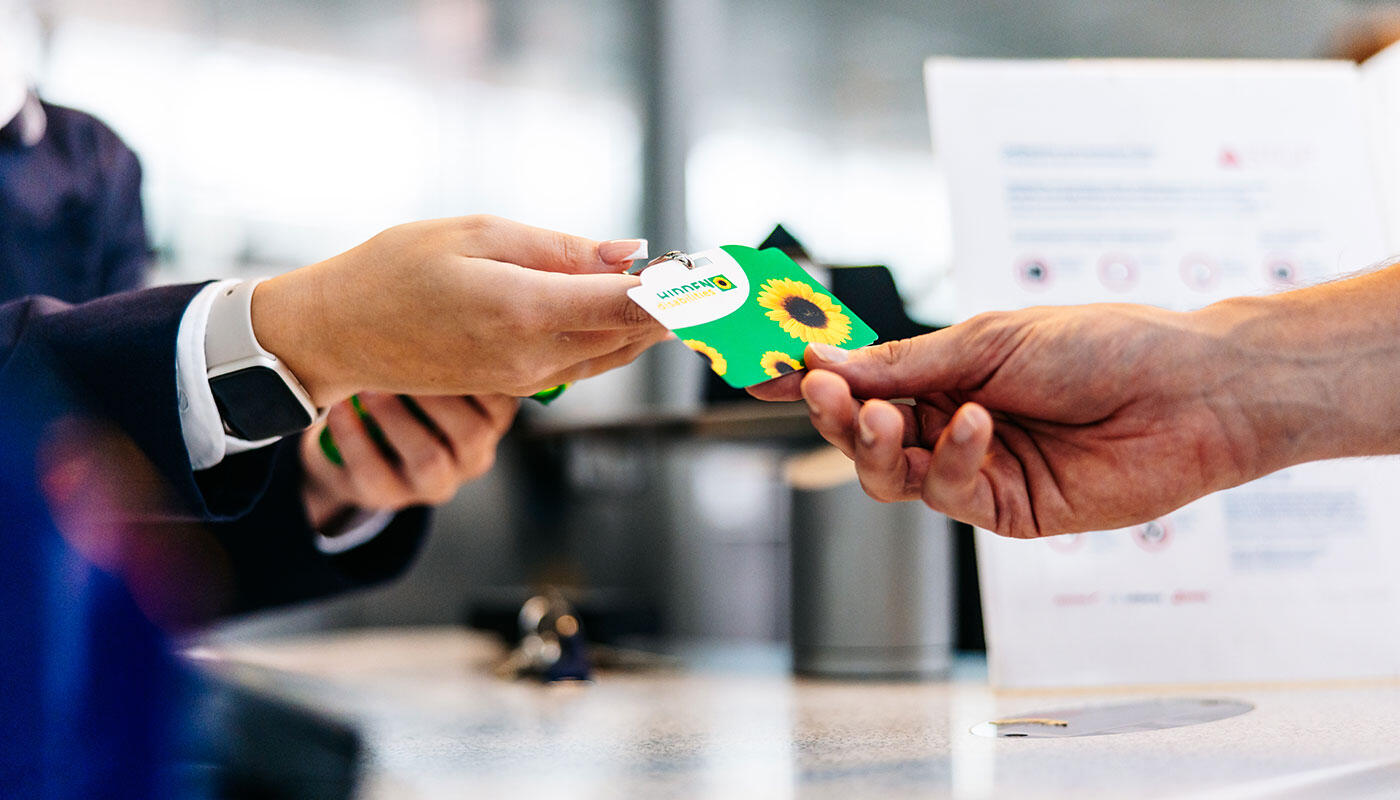
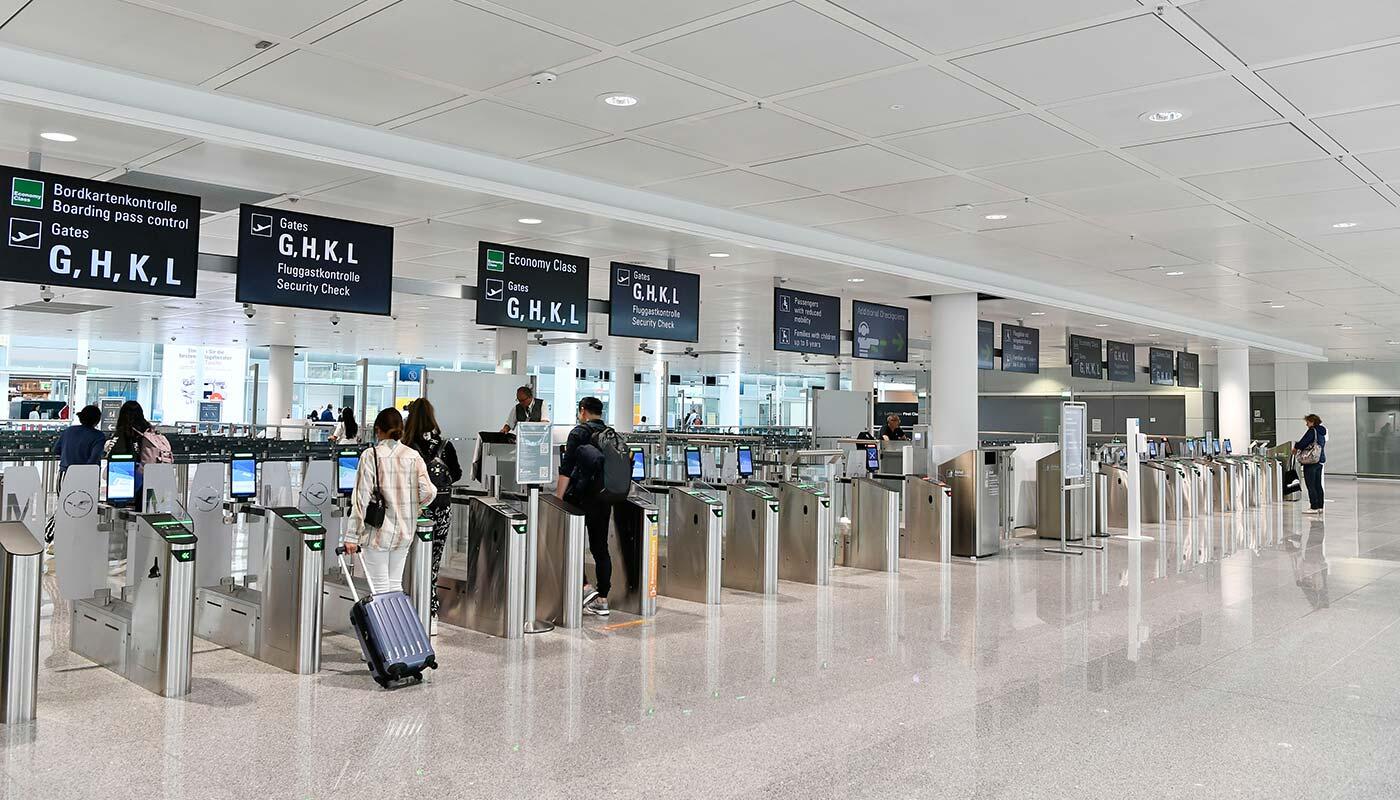
  • Large, easy-to-read departure sign in Terminal 2 of an airport pointing toward gates G, H, K, and L. Below, icons indicate accessibility, strollers, and the Sunflower symbol for hidden disabilities. The clear layout creates a sense of guidance, safety, and support for all travelers.
    Clear signage points the way to the gates and highlights accessible facilities for families, wheelchair users, and Sunflower travelers.
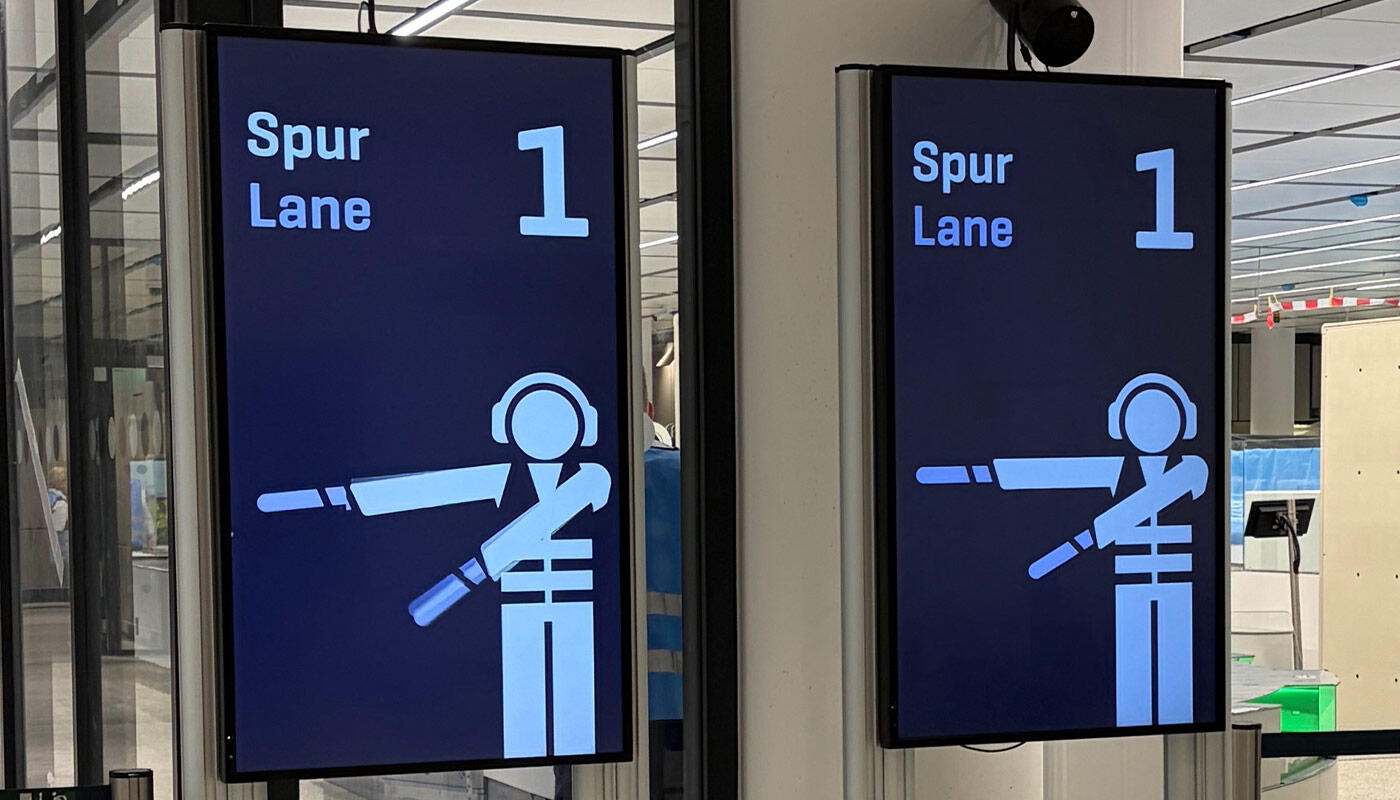
  • Digital displays help you find your way around the security checkpoint area. They provide visual cues about which lanes are open at selected security checkpoints.
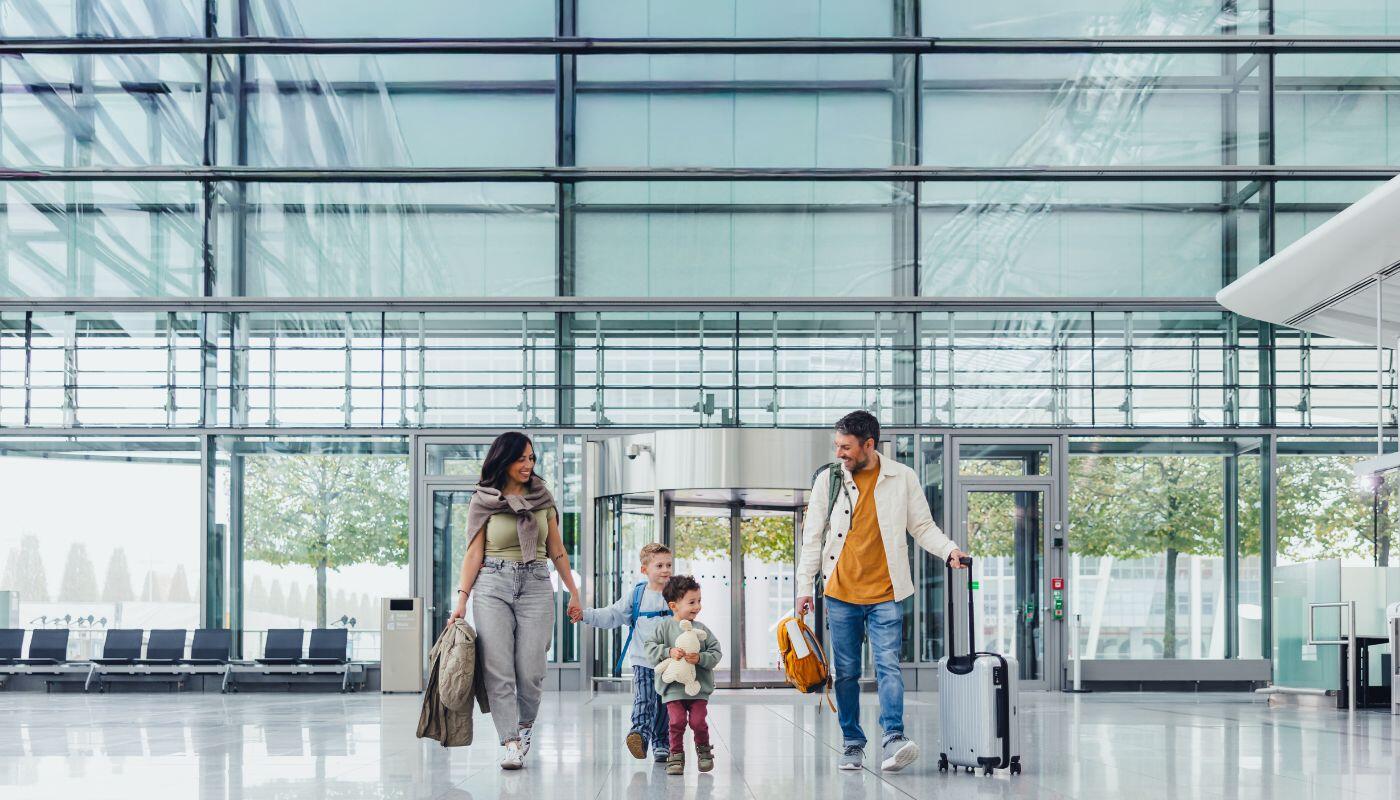
  • A family moves through a modern, accessible security checkpoint in Terminal 2. A staff member provides friendly assistance while a stroller is positioned nearby. The spacious setup and calm environment create a sense of safety, guidance, and ease especially for families and travelers needing extra support.
    Employees assist families and passengers with special needs right at the security checkpoint.
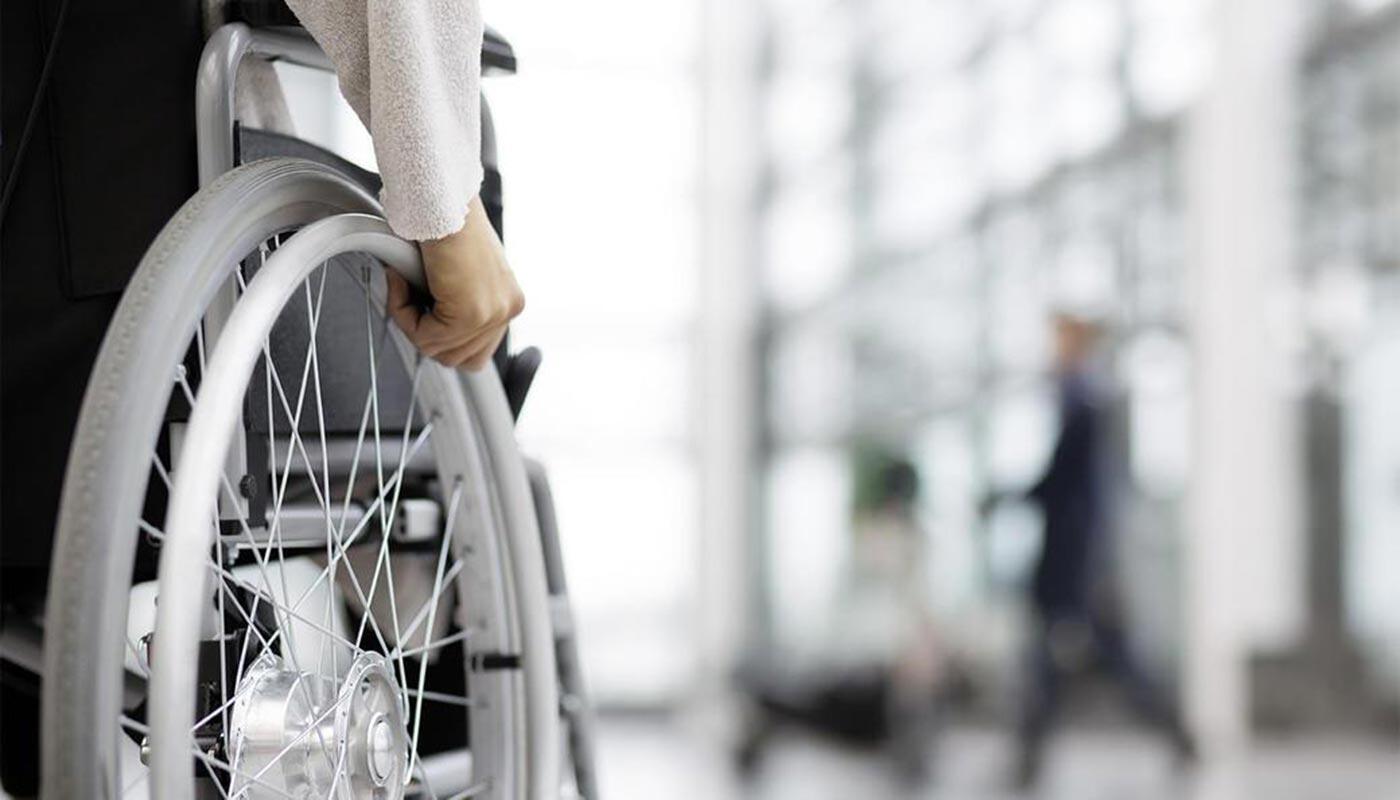
  • A mobility service staff member assists a person in a wheelchair through security in Terminal 2. The scene shows a calm, accessible environment with clear pathways and personal support for travelers with reduced mobility.
    The mobility service assists passengers with reduced mobility (PRM) safely and comfortably through security screening.

Tips for security and passport control 

How to get through the airport stress-free

  • How to pack your carry-on luggage effectively
    • Pack your passport and other important documents so they are easily accessible

    • Place your bag containing liquids and electronic devices in your carry-on luggage where it is easily accessible
    • Jackets and all items worn on your person must be removed at the security checkpoint


  • Reduce waiting times

    During periods of high passenger volume, especially in Terminal 1, the signposted alternative security checkpoints may offer shorter waiting times.

    Please follow the instructions of airport staff and use the next available checkpoint. You can find an overview of all checkpoints on the airport map.

  • Using the accessible security checkpoint in Terminal 2

      An accessible security checkpoint is available in Terminal 2. It is particularly suitable for: 

    • Passengers with reduced mobility (PRM)

    • Travelers requiring assistance
    • People with invisible disabilities
    • Families with children

    This service is generally available to all passengers departing from Terminal 2. The security checkpoint offers more space, modern CT scanners, and personalized assistance from staff members. 


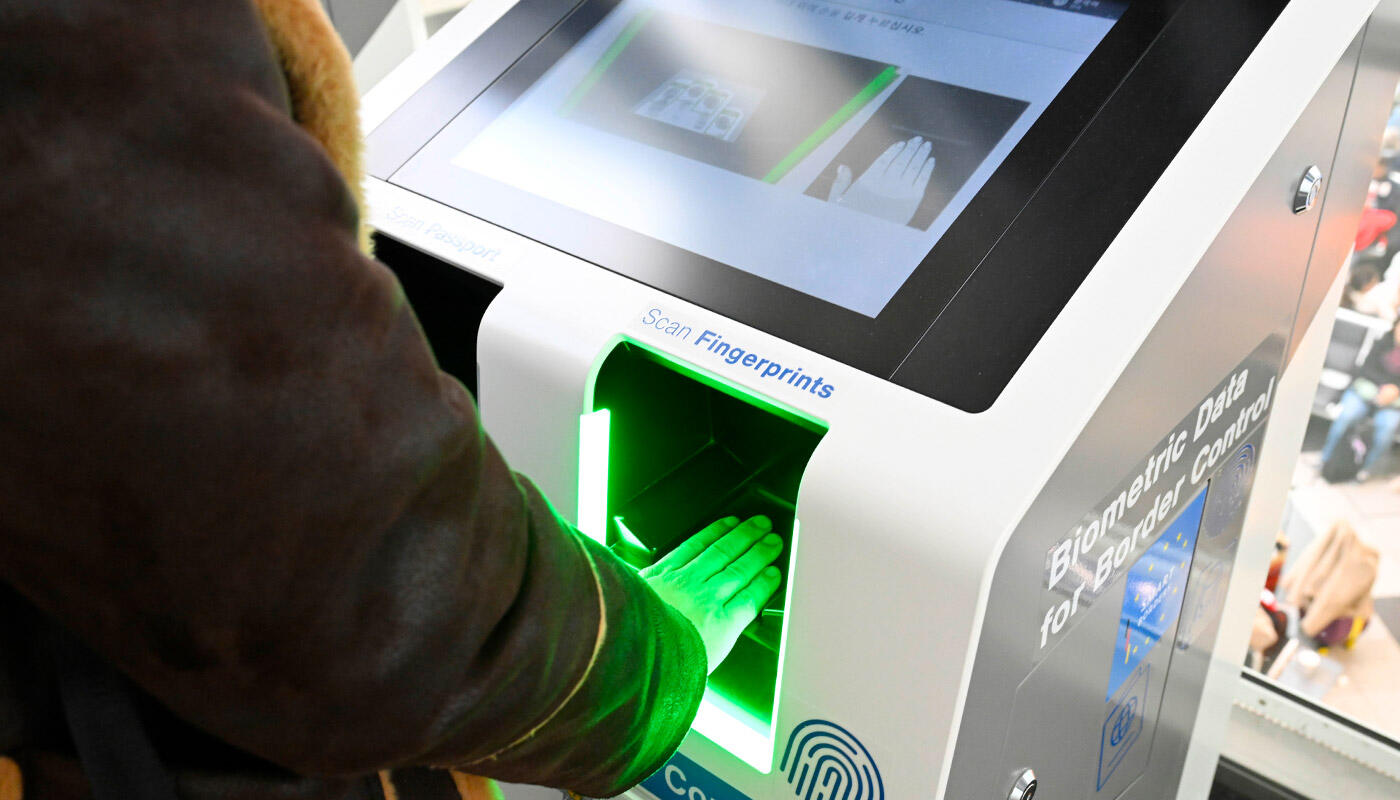
  • Through automatic passport control

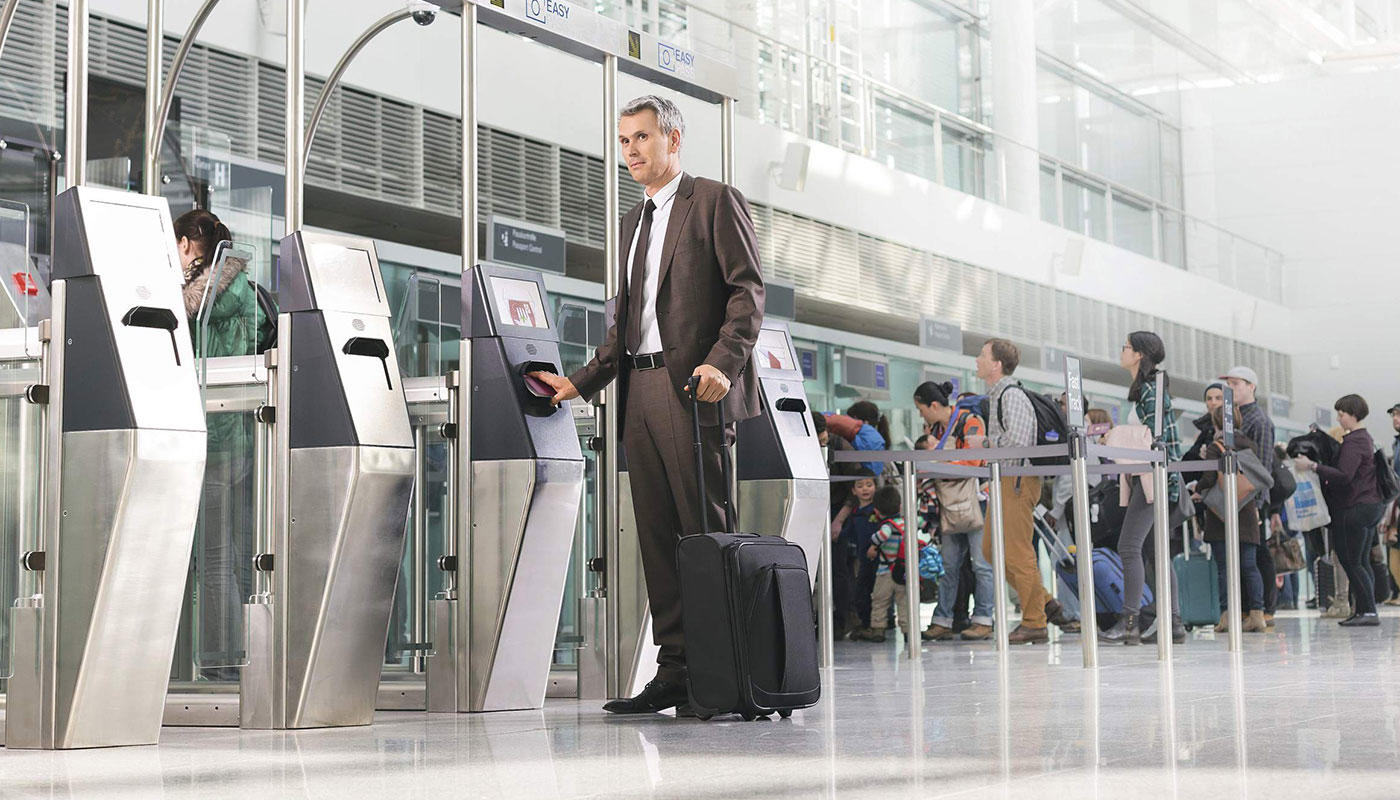
    If you are traveling to a country outside the Schengen Area, you can use the automated passport control system (e.g., EasyPASS) in Terminals 1 and 2 to save time.

    In addition, third-country nationals are subject to the provisions of the EU Entry/Exit System (EES), which requires additional checks of identity and travel documents upon entry and exit.
Carry-on baggage screening

New CT scanners in use

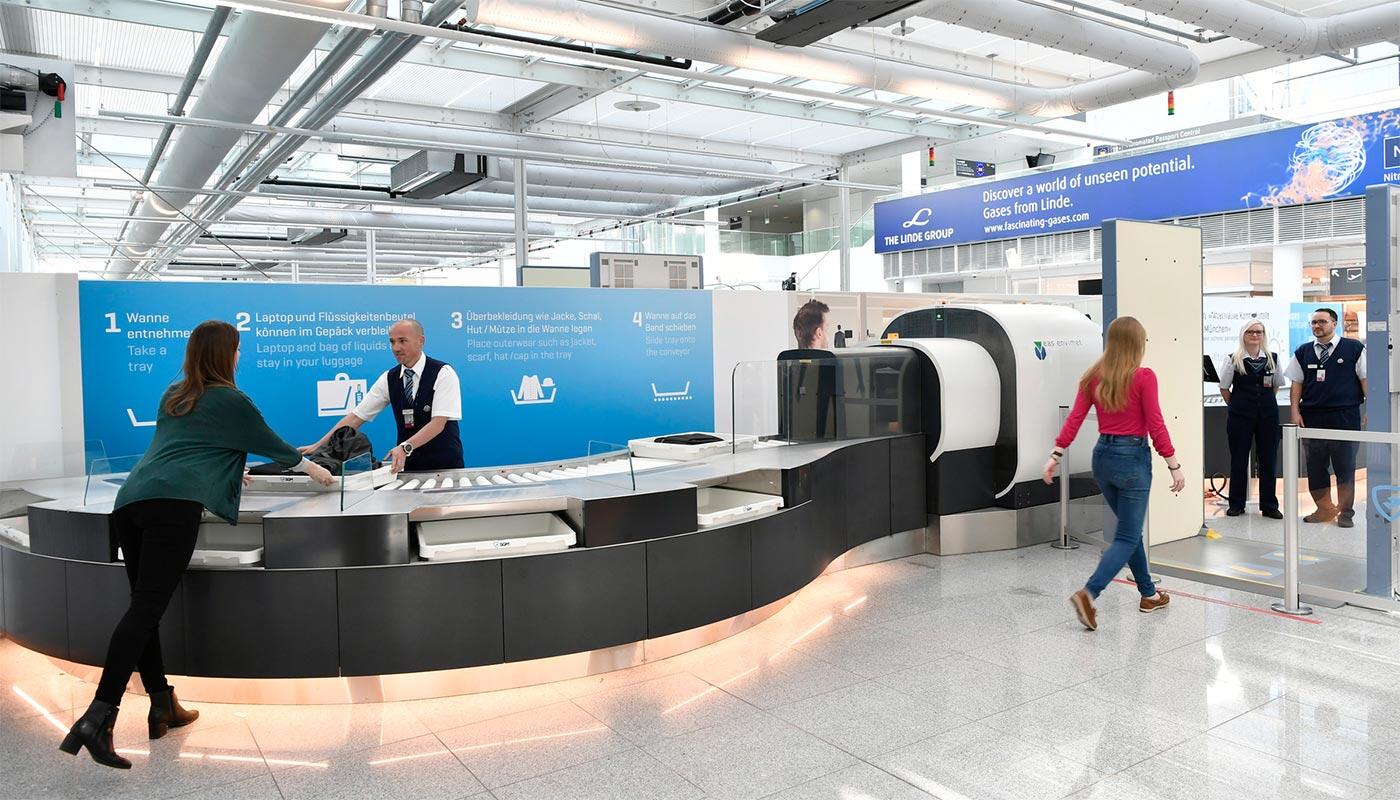
To enhance travel comfort and make security screening even more efficient, state-of-the-art computed tomography (CT) scanners are being used at select screening checkpoints in Terminals 1 and 2. This new technology speeds up carry-on baggage screening while ensuring a high level of security.

Available locations:

  • Terminal 1, Module D (Level 5)

  • Terminal 1 Pier
  • Central Security Checkpoint in Terminal 2


Note:

  • Not all security checkpoints are currently equipped with CT scanners. Therefore, you may be directed to a conventional security checkpoint
  • At airports without CT technology, the 100-ml rule for liquids still applies. Please be sure to follow the relevant regulations for your return trip

Advantages of CT scanners

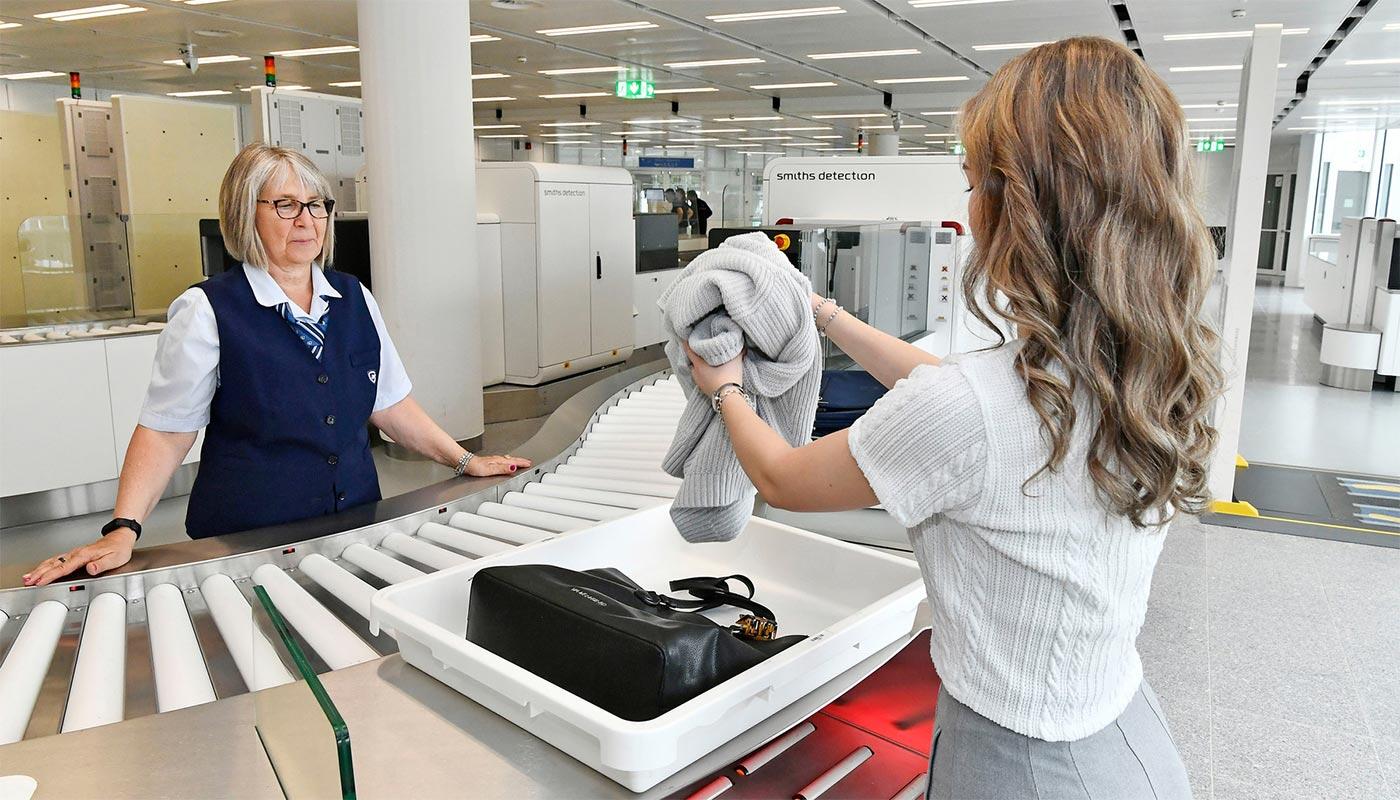
  • Liquids (up to two liters per container) and electronic devices may remain in carry-on luggage
  • A maximum of two power banks, each with a maximum capacity of 100 Wh (approx. 27,000 mAh), may be carried per person
  • 3D view facilitates evaluation of images
  • Efficient screening lanes with higher throughput and reduced waiting times
  • Up to four passengers can place their luggage on the belt at once

Requirements for conventional security checkpoints

  • Liquids (up to 100 ml per container, max. 1 liter total) must be carried in a clear, resealable zip-top bag
  • Both liquids and electronic devices must be removed from carry-on luggage

CT scanners in Terminal 1 and 2

  • Faster security screening thanks to new CT scanners.
  • Electronic devices and liquids up to 100 ml may remain in your carry-on luggage.
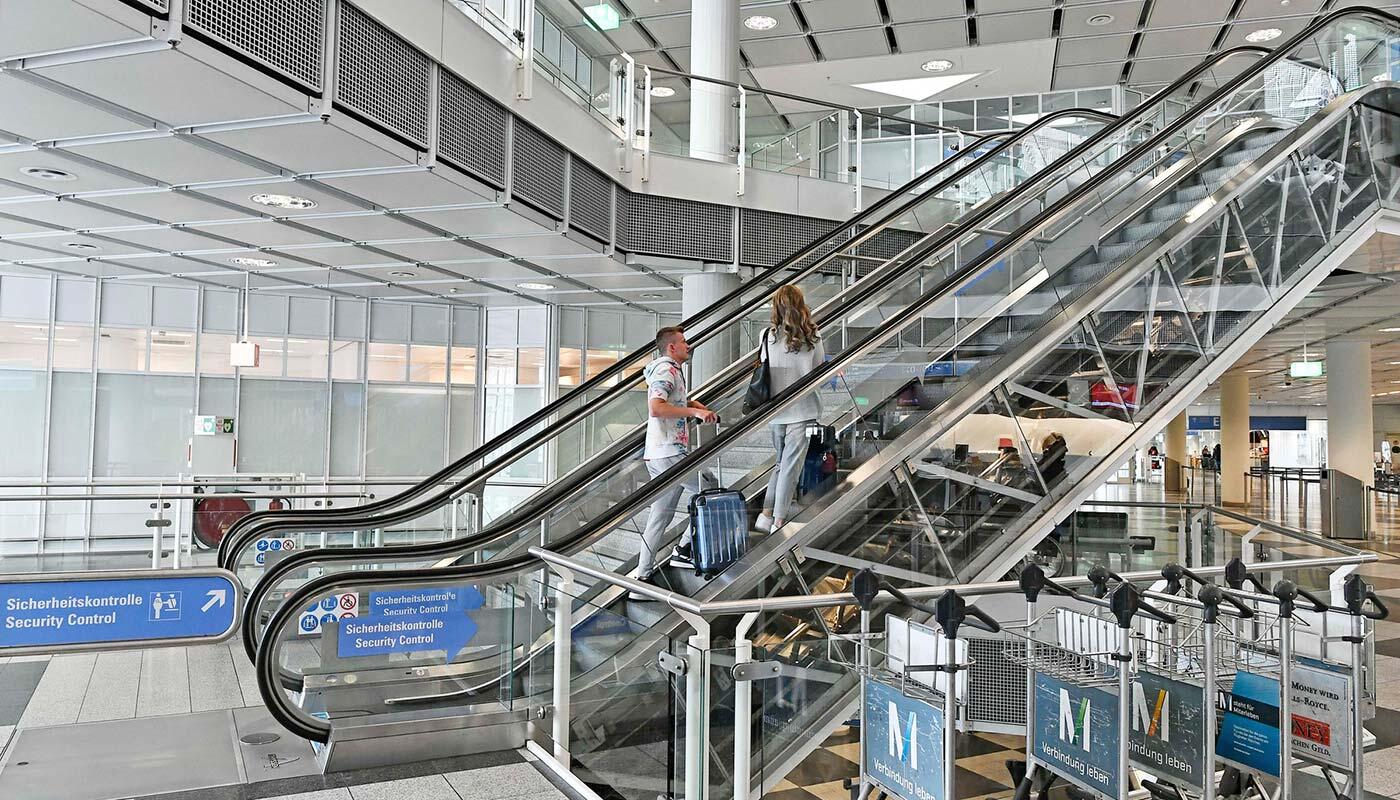
  • The path to the modern CT scanners in Terminal 2.
  • Direct access to the CT scanners in Terminal 1.

More services for a stress-free departure